Time entry detail
Review the recorded start, end and supporting time information for an employee day.
Open employee time records, compare them with the assigned work pattern and maintain the information HR needs to resolve exceptions before payroll.
Subscribe to Timesheet Details on its own, or test it alongside the other HRM.my modules. Our team prepares the setup with you before the trial starts.
Tell us where to reach you and we’ll set up your 2-month free trial or arrange a live demonstration.
Detailed timesheets connect recorded time with work patterns, attendance classifications, locations, holidays and reporting.
Review the recorded start, end and supporting time information for an employee day.
Compare entries against the schedule assigned to the employee.
Classify time records using company-defined attendance types.
Use configured locations and supported mobile evidence during review.
Account for public holidays and company events that change the expected schedule.
Investigate missing, incomplete or unusual records requiring correction or explanation.
Use reviewed details in period summaries and scheduled reports.
Keep attendance information available for later HR and payroll reference.
These screenshots come from the HRM.my application and correspond to the capabilities described above. Select an image to view it at full size.
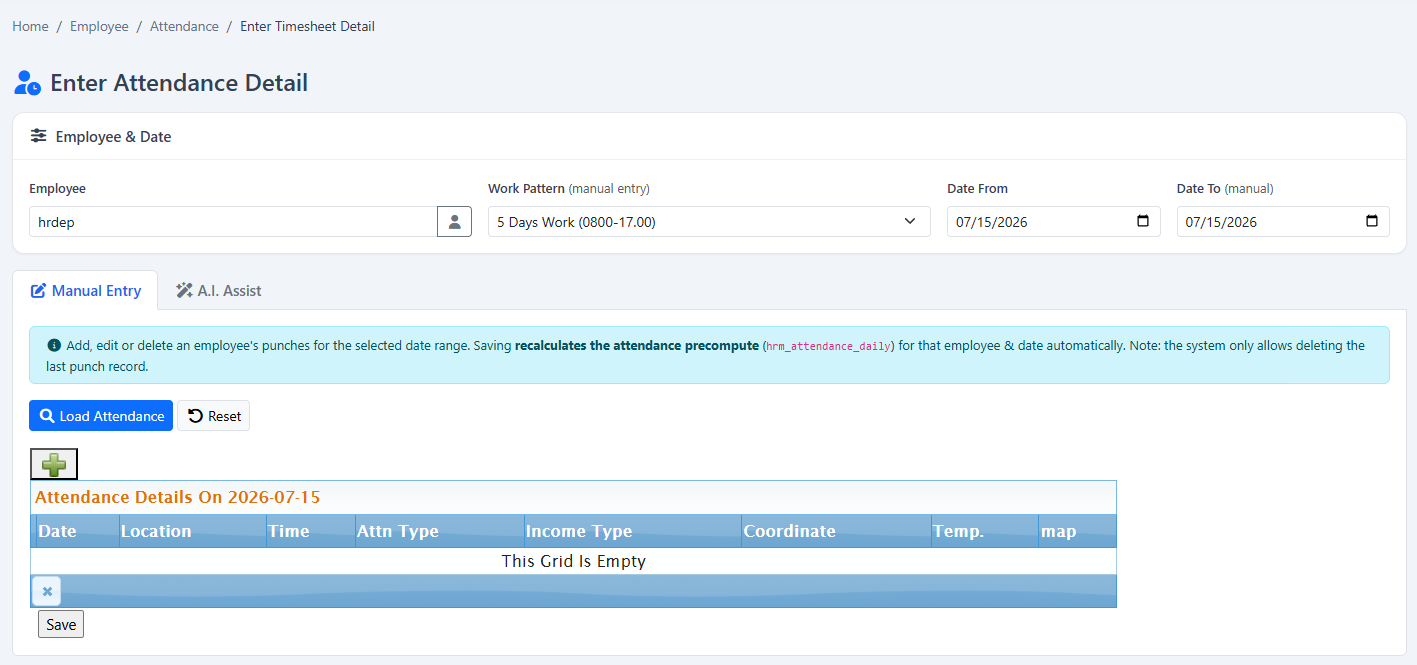
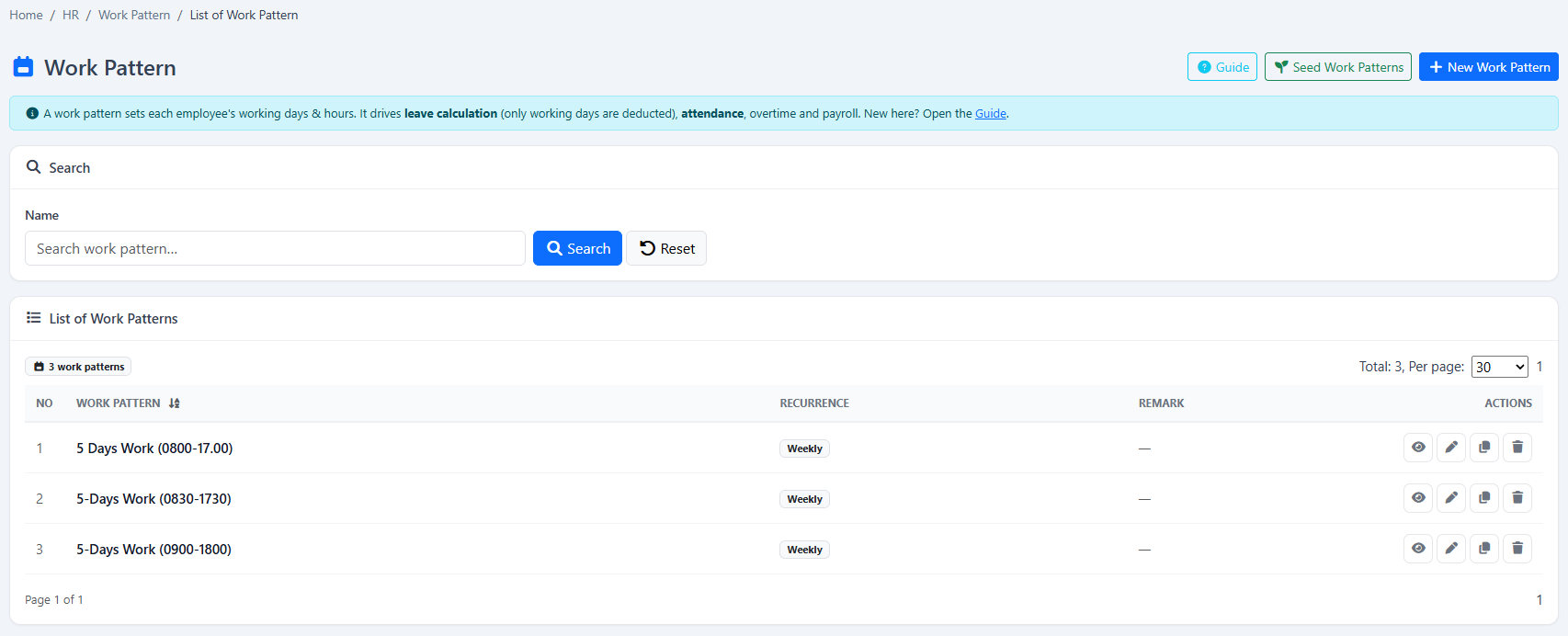
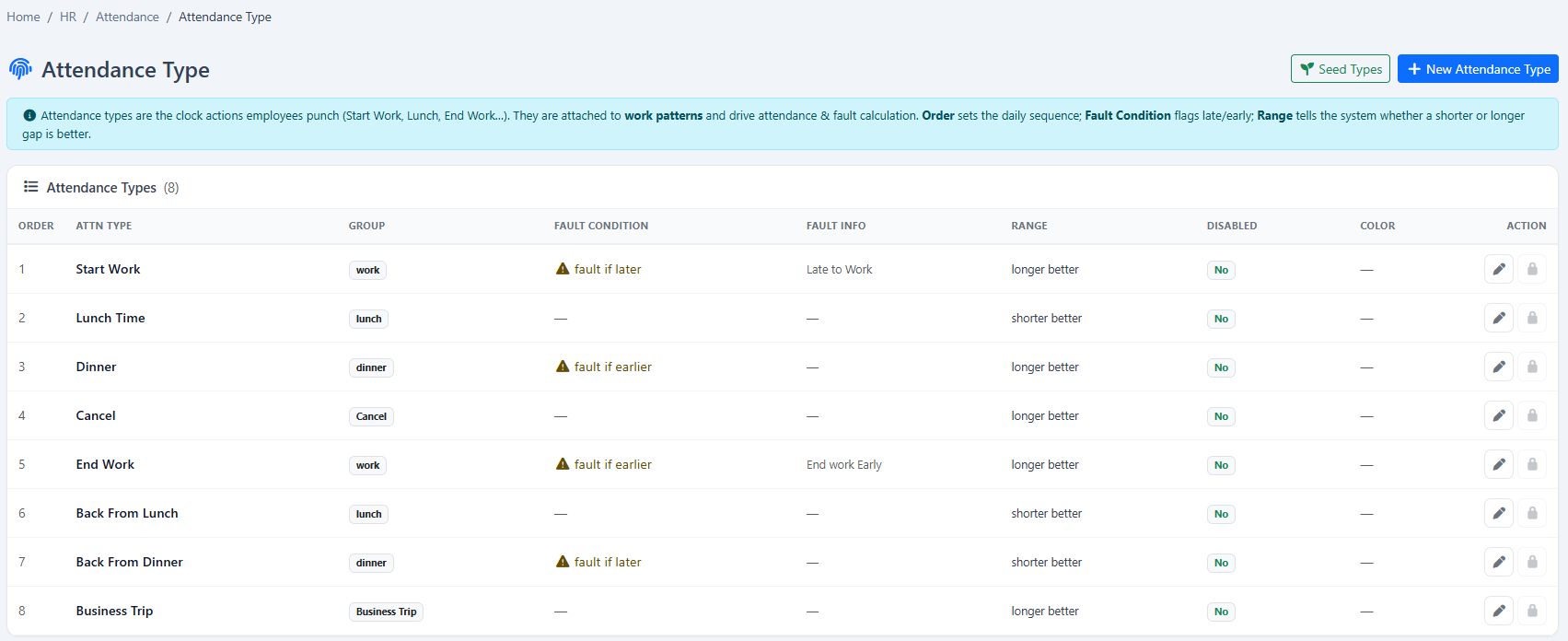
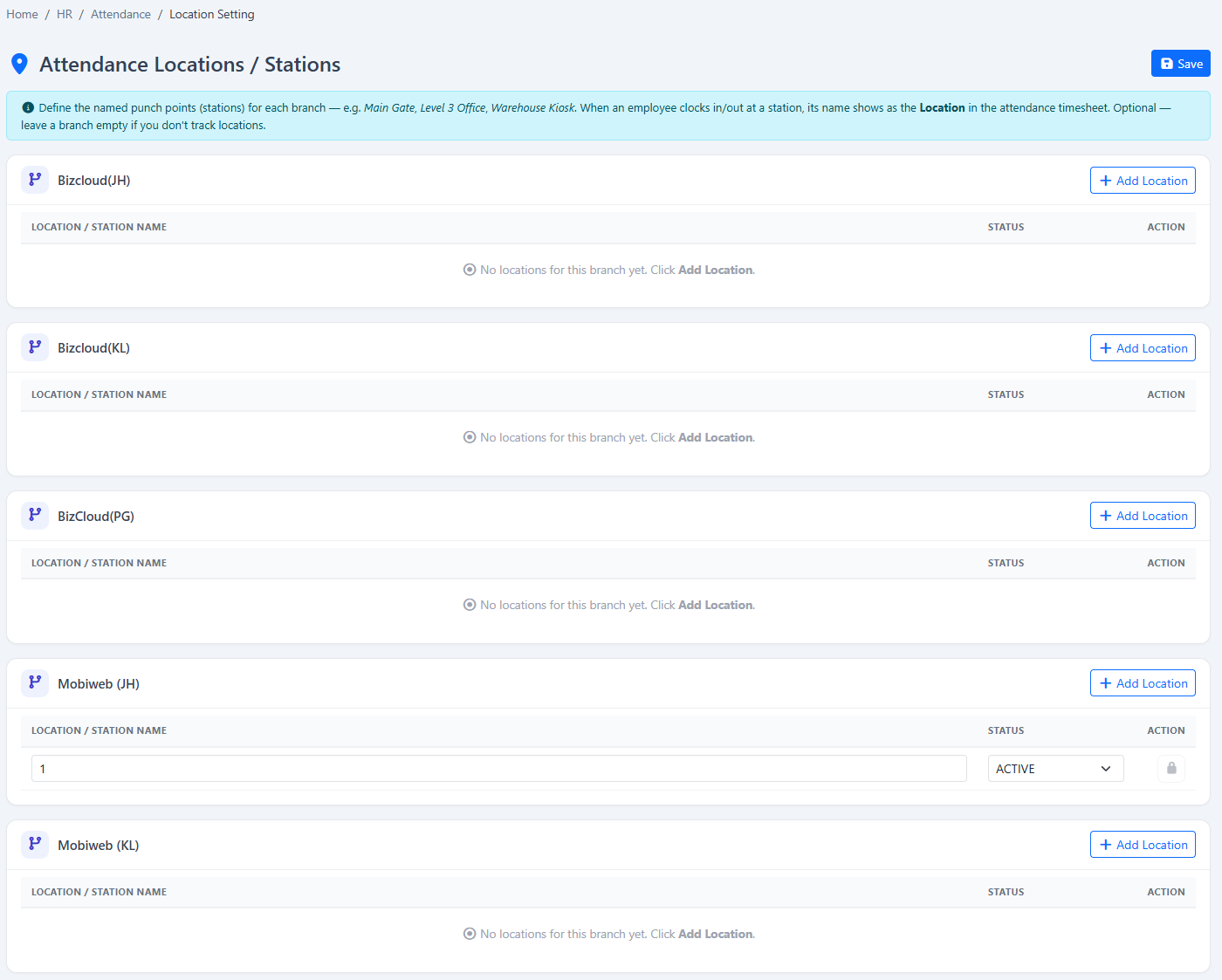
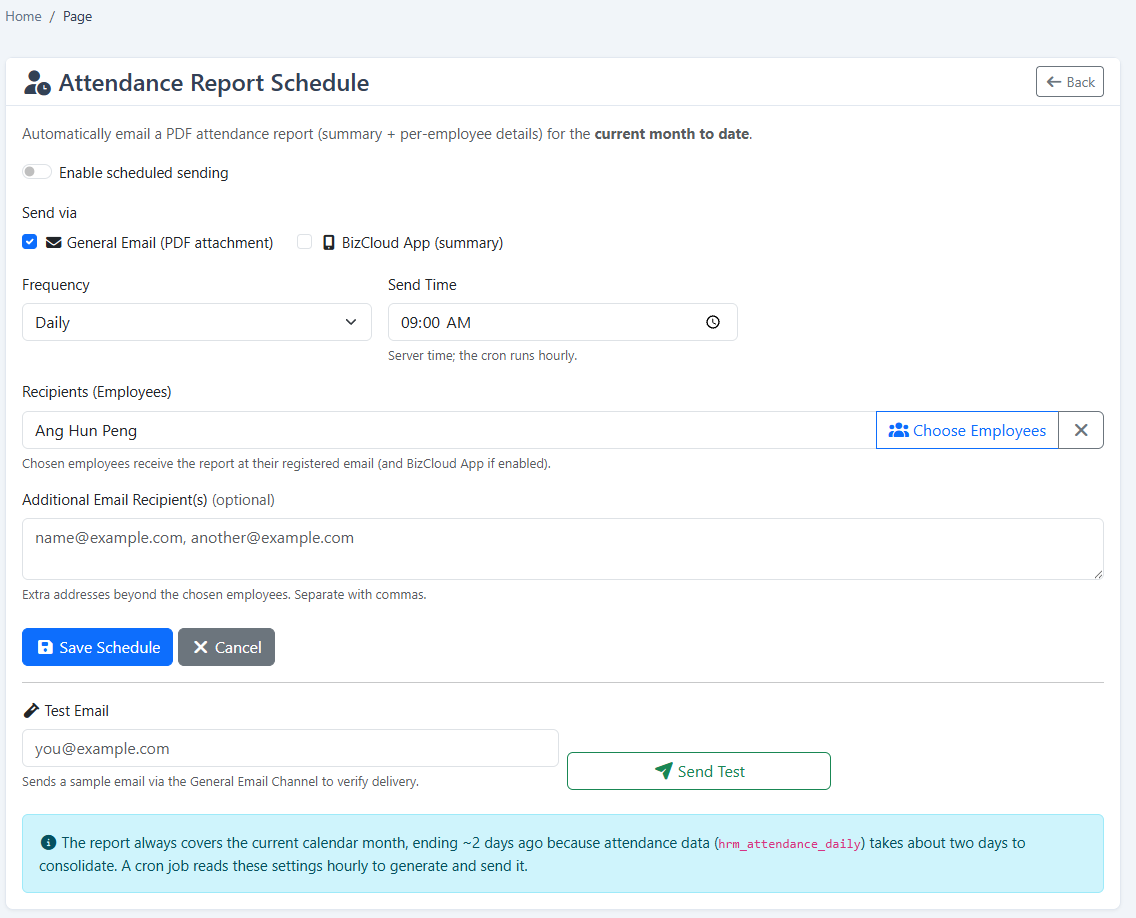
Review the evidence behind an exception before it moves into reporting or payroll.
Your company can begin with Timesheet Details and add payroll, attendance, leave, claims, KPI or operational modules when required.
Tell us about your company and we’ll demonstrate the workflows that matter to your team. Your 2-month free trial includes guided setup and data preparation help.
Tell us where to reach you and we’ll set up your 2-month free trial or arrange a live demonstration.