BizCloud App clock-in
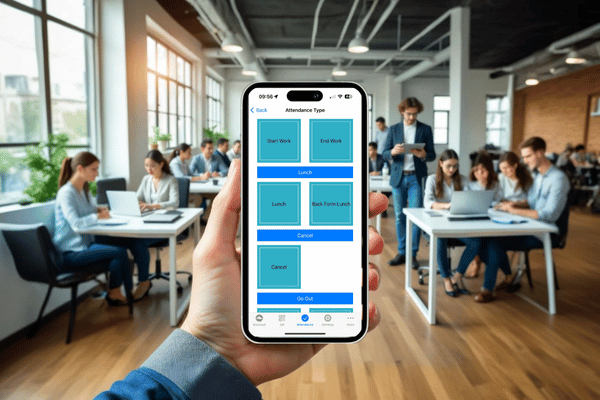
Employees use their compatible smartphone to record supported start-work, end-work and attendance actions.
Let authorised employees clock in and out through the BizCloud App within company-defined attendance and GPS parameters, while HR reviews the records in the same cloud attendance workflow.
Subscribe to Mobile GPS Attendance on its own, or test it alongside the other HRM.my modules. Our team prepares the setup with you before the trial starts.
Tell us where to reach you and we’ll set up your 2-month free trial or arrange a live demonstration.
The previous attendance page describes mobile GPS geo-fencing, preset clock-in parameters, real-time cloud sync and central reporting for remote or field employees.
Employees use their compatible smartphone to record supported start-work, end-work and attendance actions.
Capture GPS context for mobile attendance according to the company’s configured workflow.
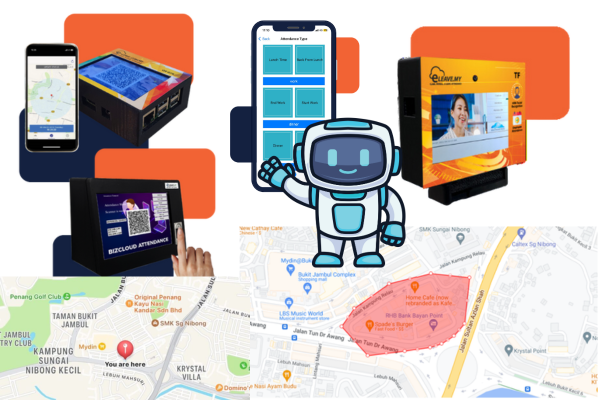
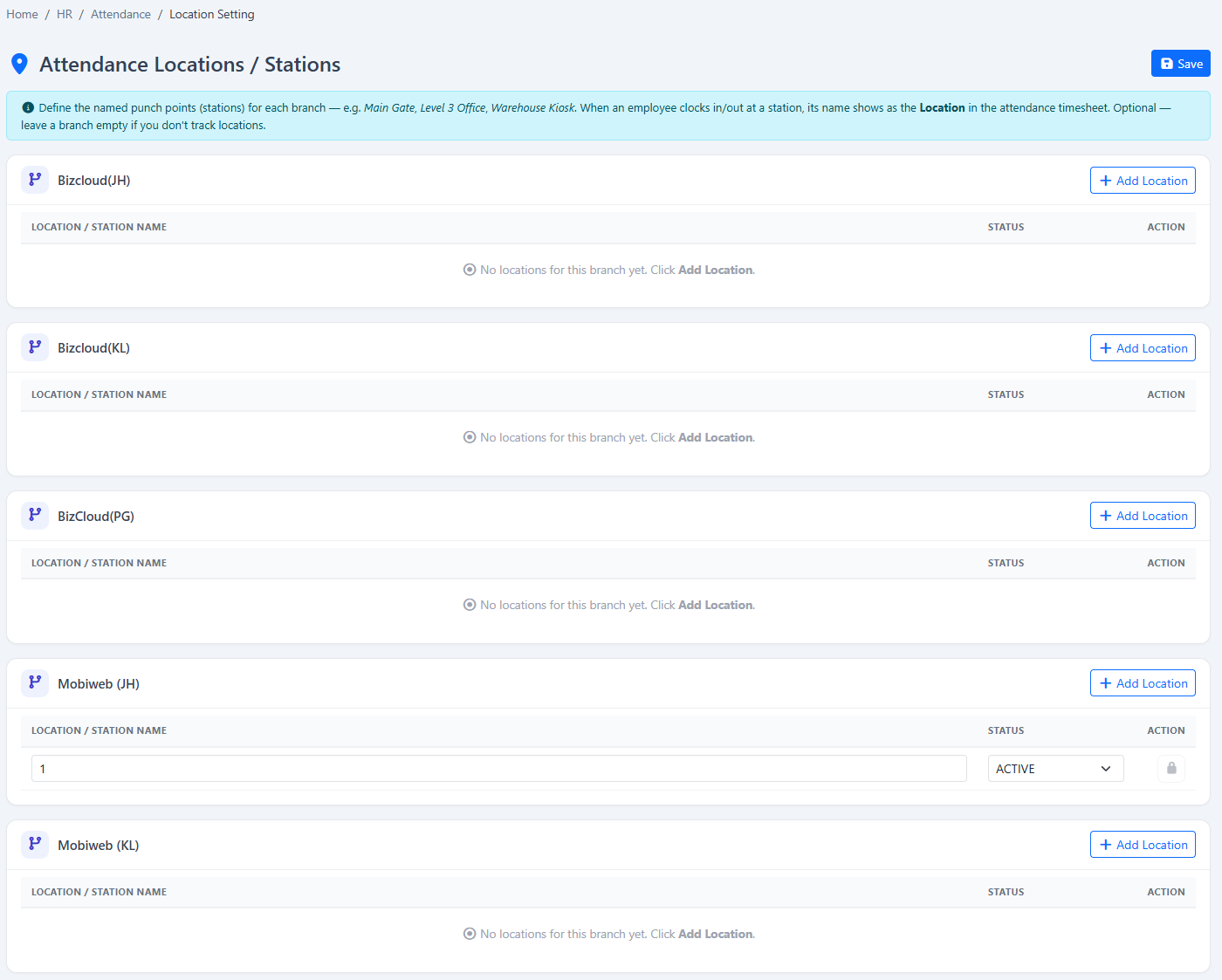
Create permitted attendance areas with a clear name and map boundary for company use.
Apply appropriate GPS areas by employee type so different teams can follow different location rules.
Control mobile clock-in through the schedules, work patterns and attendance rules maintained by HR.
Present the configured attendance types employees need, such as starting work, ending work or interval actions.
Return supported mobile records to the central HRM.my attendance workflow for administration.
Give authorised administrators a common view instead of maintaining separate field attendance spreadsheets.
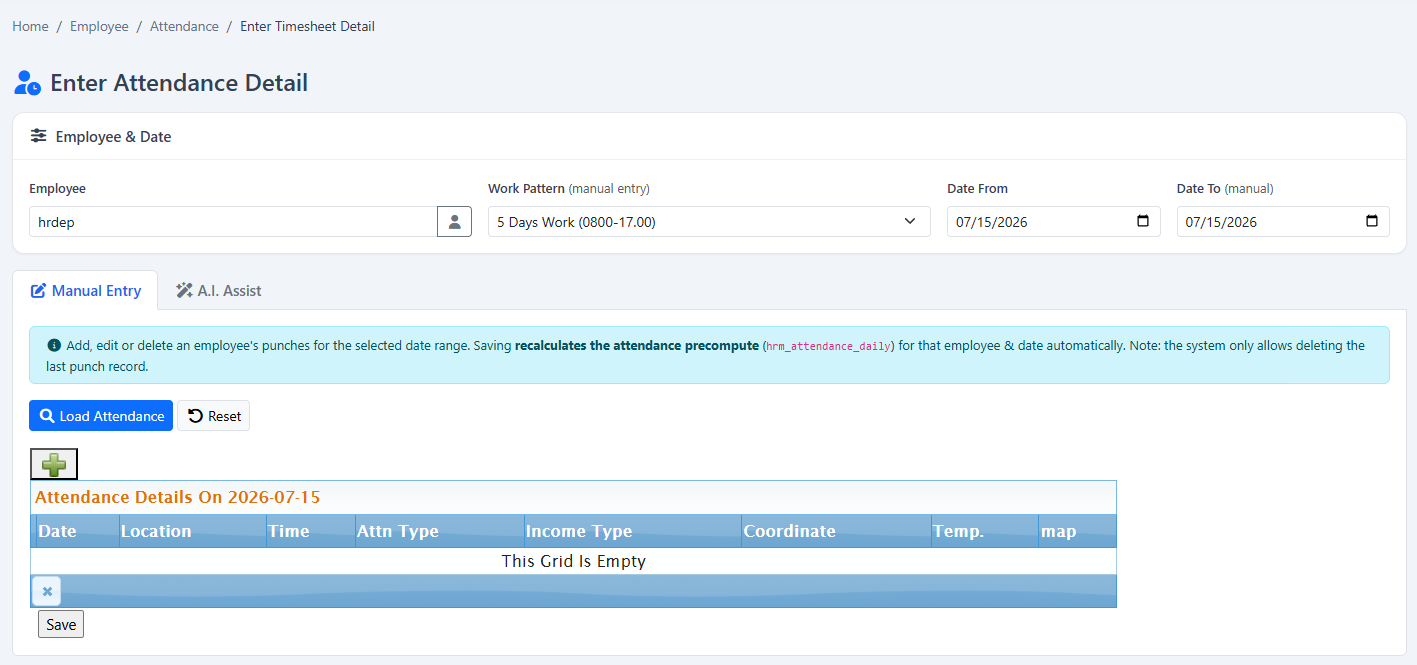
Interpret mobile time records against the employee’s assigned work pattern and attendance types.
Review missing, late, early or incomplete records that require employee or manager follow-up.
Include processed mobile attendance in summary, detail and supported scheduled reporting.
Use the BizCloud companion experience on supported iOS, Android and Huawei devices.
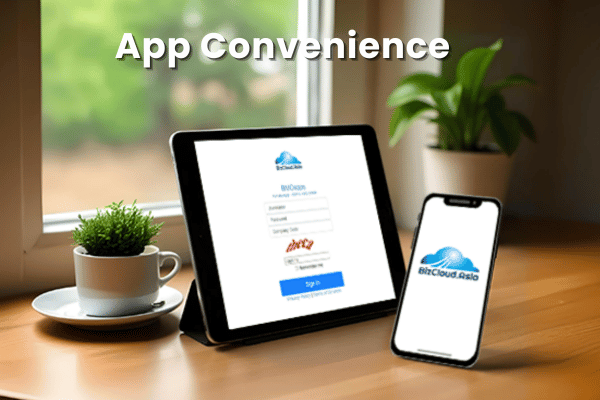
The App visuals show the mobile attendance experience, while the HRM.my screenshots show the location and timesheet settings used by administrators.
Explore the attendance collection and reporting workflow connected to mobile clock-in.
GPS evidence is only one part of attendance; the employee’s work pattern and configured attendance rules provide the calculation context.
Mobile attendance is useful for field, service, delivery, multi-site and flexible teams. Offices can still use facial, fingerprint or QR devices, with supported records consolidated for HR review.
Tell us about your company and we’ll demonstrate the workflows that matter to your team. Your 2-month free trial includes guided setup and data preparation help.
Tell us where to reach you and we’ll set up your 2-month free trial or arrange a live demonstration.